


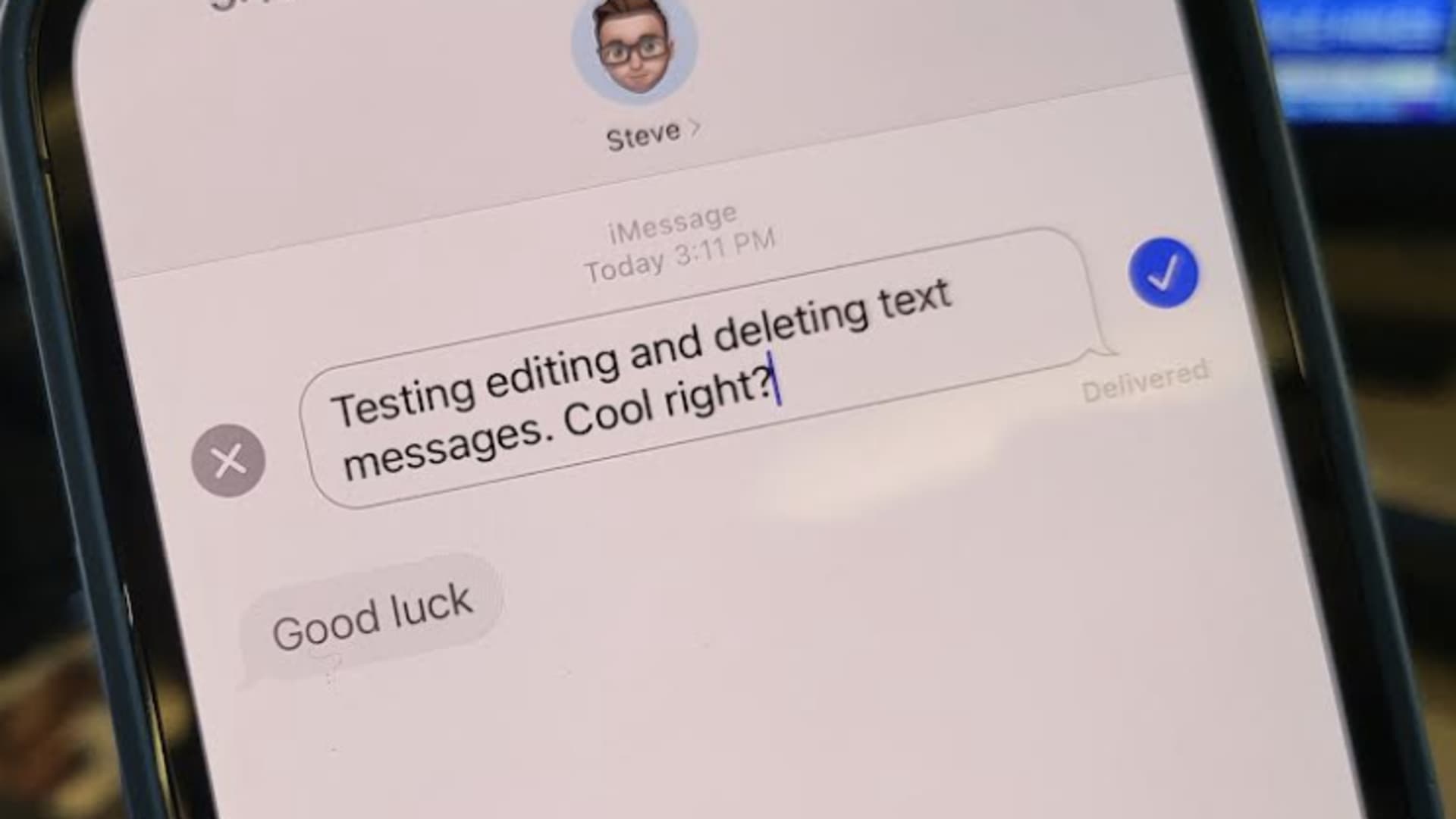
iMessage in iOS 16
Todd Haselton | CNBC
Apple’s new iOS 16 iPhone software, expected in September, will let you edit and unsend text messages for the first time.
That means you’ll be able to go back and correct a typo or delete a message if you sent it to the wrong person. And the person you’re texting will see the updated text, or that you’ve deleted a message, so long as they’re also running iOS 16.
The feature is already available in the public beta, which you can download on your phone now. But otherwise, you’ll see this feature once the software is released to everyone in the fall. You’ll just need an iPhone released in 2017 or later. And, importantly, the person you’re texting also has to have the updated software.
Here’s what you do.
How to edit an iMessage on iPhone in iOS 16
How to edit an iMessage in iOS 16
Todd Haselton | CNBC
Here’s how to edit a message if you want to change what the text says, whether you’re fixing a typo or correcting the restaurant where you’re telling someone to meet you.
- First send a text to someone with an iPhone.
- Next, tap and hold the message you sent.
- Choose Edit
- Correct the text on your iPhone.
- Tap the blue check mark next to the text.
- The person on the receiving end will see a note that you’ve edited the text, but won’t see the original message.
How to unsend an iMessage on iPhone in iOS 16
How to unsend an iMessage in iOS 16
Todd Haselton | CNBC
Maybe it’s something you said to your boss that you regret. Or maybe you accidentally sent a spicy meme to your grandmother instead of your pal. Here’s how to undo your error.
- Tap and hold the message you sent.
- Choose Undo Send.
You’ll see a message that informs you that the message has been unsent, but that the recipient may still be able to see it if they’re running a device with software that hasn’t been updated.
There’s another catch, too: at least in the beta, you can’t unsend a message you’ve already edited.
That’s it!
Subscribe to CNBC on YouTube.


